
Video style · A practical guide
Motion Graphics
Motion graphics animate graphic design: words, shapes, icons, diagrams and other visual elements. They are useful when the message is about information, a process or a brand rather than a character-led story.
See the style in action
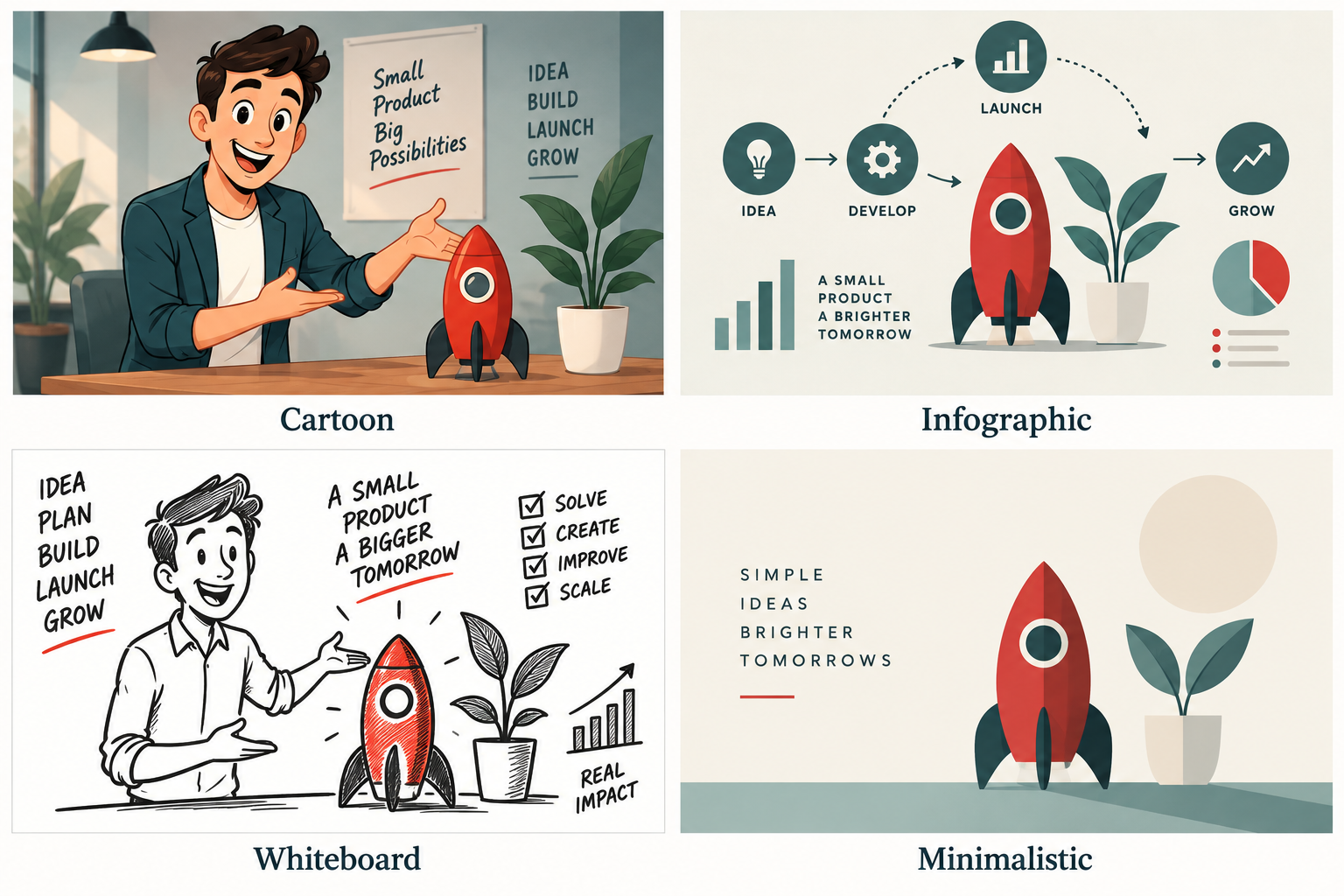
Graphic elements, transitions and visual symbols organise the message.
Give information a sequence
Movement can reveal one step at a time, connect related ideas or draw attention to a change. For example, an animated service map could show a request moving from submission to review and completion. Each movement should help the viewer understand the relationship.
Keep design consistent
Use a controlled colour palette, readable typography and a clear visual hierarchy. A film does not need many effects to feel polished. Timing, transitions and spacing should work together, and on-screen text needs enough time to be read.
Useful applications
Motion graphics can support product introductions, service explainers, presentation openers and short social videos. They can also sit over live action as labels, diagrams or chapter titles. Choose footage when real people or a physical demonstration are essential to the point.
Build for the viewing context
Small text that looks fine on a desktop may fail on a phone. Plan vertical and horizontal layouts separately where needed, and check that important content remains clear without sound. A spoken script and on-screen words should complement one another rather than compete.
Common questions
How is it different from character animation?
Motion graphics usually organise information through design elements. Character animation focuses more on acting, expression and story. A project can combine both.
Is motion graphics suitable for technical topics?
Yes, if the script is accurate and the diagrams simplify without distorting the subject. Have a subject expert review the storyboard.