
Video style · A practical guide
Vector Animation
Vector animation uses artwork built from paths, curves and shapes. Its clean lines and adaptable source artwork make it a useful approach for branded illustrations, icons, characters and diagrams.
See the style in action
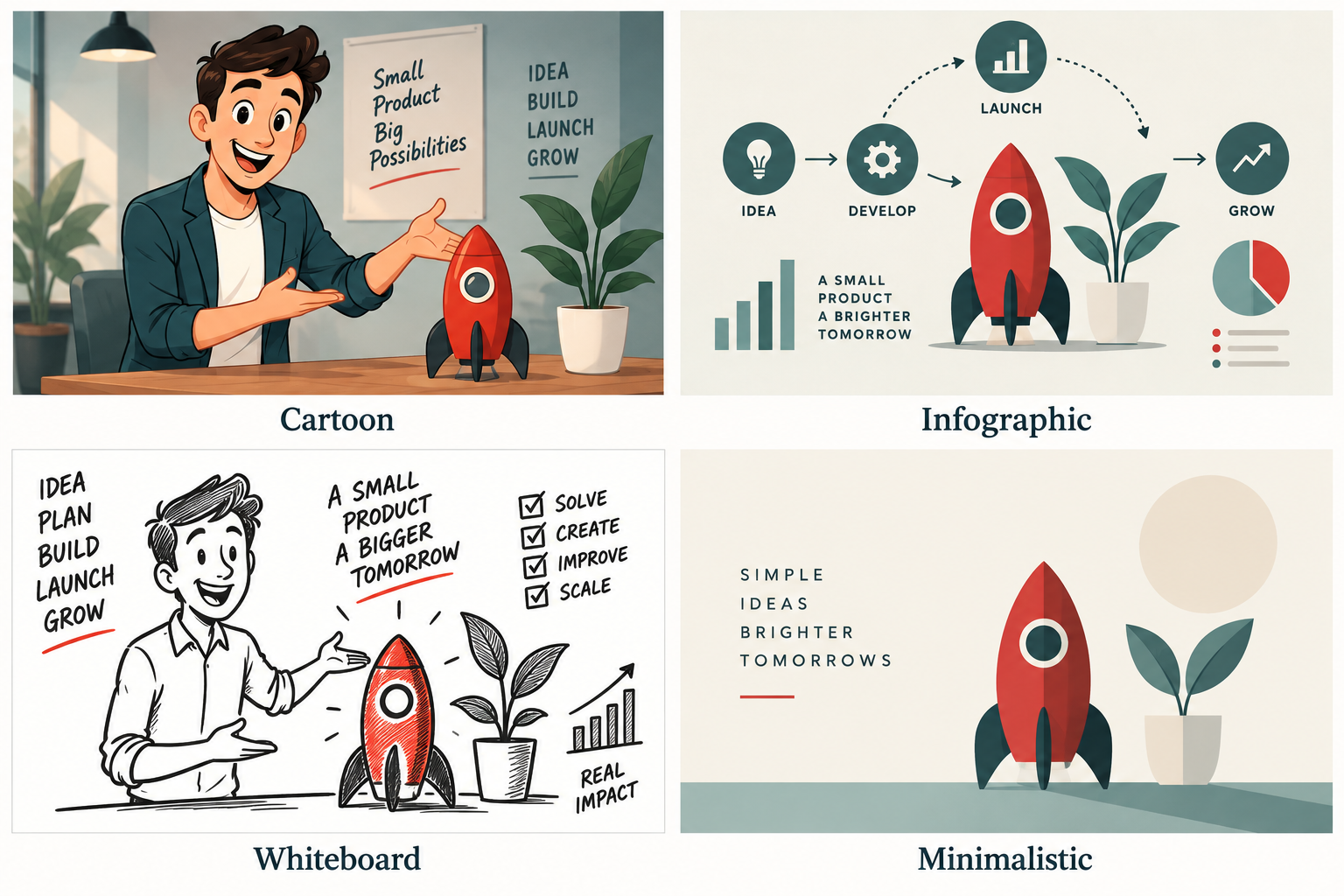
Clean shapes, flat colour and clear silhouettes provide a visual reference for this style.
A flexible visual foundation
Vector source artwork can be resized without the pixelation associated with enlarging a small raster image. That is useful while designing scenes and adapting layouts. An exported video still has a fixed resolution, so the final delivery sizes must be agreed separately.
Choose clarity over complexity
Flat colour, strong silhouettes and simple shapes can make a service explanation easy to scan. The visual style can be playful or restrained. What matters is whether the artwork, movement and language suit the viewer and the information.
Where it works well
Use vector-based scenes for process diagrams, animated icons, product explainers and recurring branded characters. Reusable artwork can help keep a series visually consistent. A vector approach is a production choice, not a guarantee that every later revision will be quick or inexpensive.
Prepare usable assets
Share editable logos and approved brand colours where available. Organised layers help separate the parts that need to move. Check how text, thin lines and small details appear at the intended viewing size. Localised versions may need additional room for different text lengths.
Common questions
Will a vector animation video scale to any size?
The source artwork scales, but a rendered video has a set pixel size. Export a suitable resolution for each delivery requirement.
Can it look like a cartoon?
Yes. Vector artwork can create characters as well as diagrams and typography. The illustration treatment determines the look.