
Plan Your Video Captions Before the Final Edit
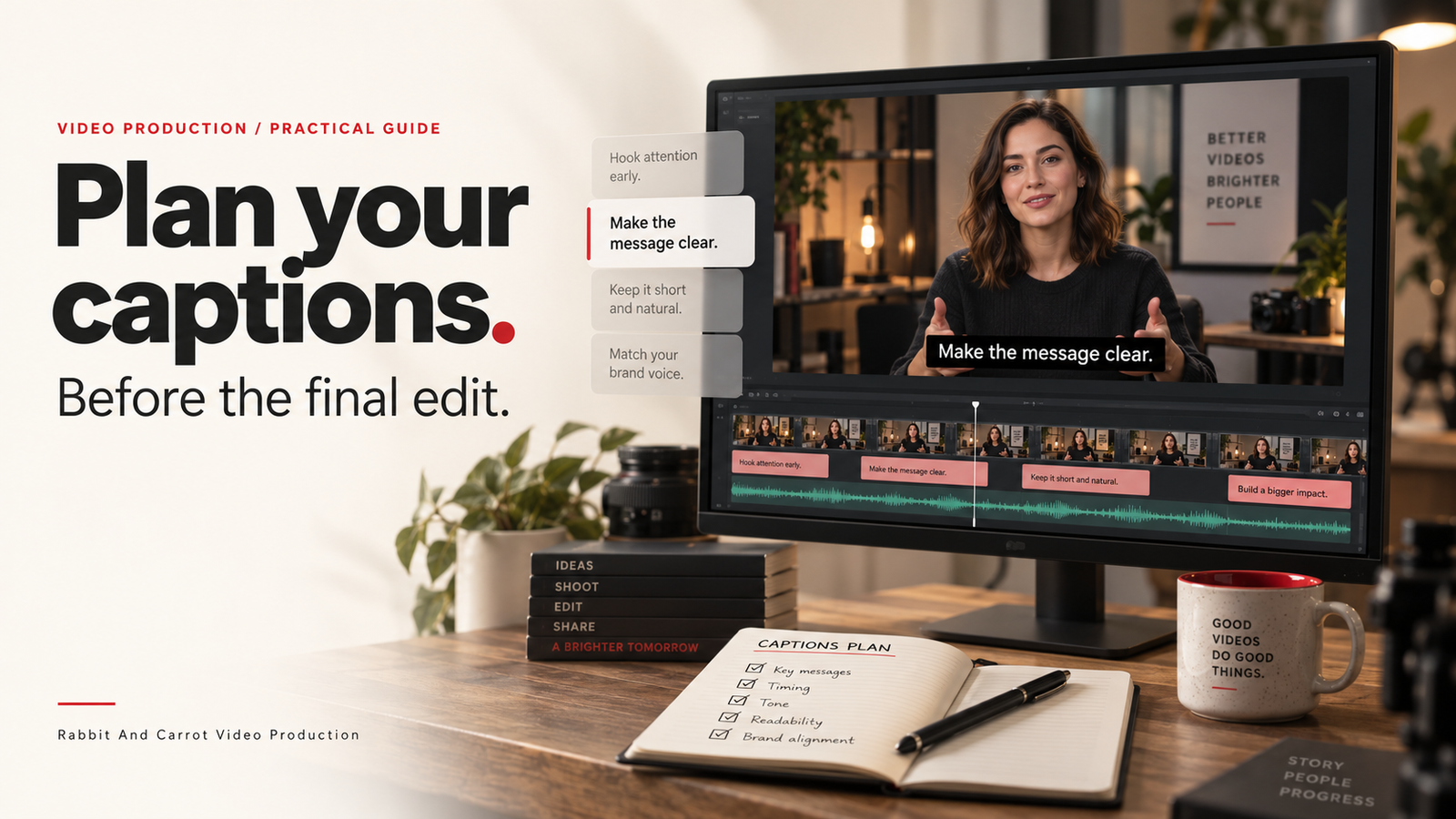
A video is nearly finished. The pictures are approved, the music is mixed, and the team suddenly asks for captions in two languages. The new text covers a name label, the translated lines need more space, and nobody knows who should approve the terminology.
These are planning decisions worth making earlier. Whether you are commissioning a 2D animation or a filmed video, include captions in the brief rather than treating them as a final export task.
Agree what viewers need
Captions provide a text version of speech and relevant non-speech audio, such as a sound needed to understand the scene. Terminology varies between countries: “subtitles” can refer to translated dialogue or to captions. Describe the deliverable instead of relying on the label alone. W3C’s caption guidance explains this distinction and why automatically generated text needs checking.
Ask your team: which languages will the audience need, and what information would be lost without the soundtrack? A product name, a speaker change or a meaningful warning sound may require careful handling. Captions are one part of accessible video; they do not replace consideration of important visual information that some viewers cannot see.
Put the requirements in the production brief
Make a small delivery table before scripting. Give each destination its own row: website, presentation, learning platform or social channel. Record the language, frame shape, caption approach and reviewer for each version.
For example, your website may need a video with a selectable caption track, while a particular social placement may call for visible text in the picture. Confirm what each destination accepts before committing to a format. Avoid assuming one export will suit every use.
If your project is an animated explanation, identify terms that must match the approved script. If it is a filmed interview, allow time to check the actual spoken words after the edit is agreed.
Explore our 2D animation services.
Choose the delivery approach
Closed captions can be switched on or off when the player supports them. Open captions are part of the video picture and cannot be turned off separately. W3C describes both approaches.
Your production decision is practical: where will this version play, who controls the player, and how will updates be handled? Ask for a clear list of agreed exports rather than simply requesting “a captioned video.” If separate text files are included, name them so the language and corresponding video version are obvious.
Leave room in the composition
During storyboard or edit review, look at the video with representative caption text in place. Check whether it competes with a speaker’s name, a demonstration, an animated label or a call to action.
Review the intended phone-sized view too. A layout that feels spacious on an editing monitor may feel crowded when reduced. If you need horizontal and vertical versions, review each composition separately rather than assuming the same text position will work.
Give one person responsibility for the words
Choose a reviewer who can confirm names, technical terms and intended meaning. For translated versions, involve an appropriate language reviewer. Keep terminology decisions together so a corrected product name is used consistently across the video, captions and accompanying page.
A useful review order is: approve the edit, check the caption text and timing, then inspect the combined delivery files. If the spoken edit changes afterwards, include the caption files in the revision rather than assuming they still match.
Check the final viewing experience
Watch the actual delivered version in its intended player. Check text accuracy, timing, readability and placement. Verify that the language options and caption controls behave as expected where those features are part of the agreed delivery.
Keep a simple record of the approved video version and its matching caption files. This gives the next editor a clear starting point when a date, process or product detail changes.
A briefing checklist to copy
- Audience and required languages
- Destinations and video frame shapes
- Open or selectable captions for each version
- Approved spellings and terminology
- Text placement review
- Named language and content reviewers
- Matching video and caption version names
- Final playback check
A clear brief makes caption decisions part of the production conversation. Book a Video Consultation through our website to discuss the versions your next video needs.
Source: W3C Web Accessibility Initiative, Captions/Subtitles.