
RABBIT AND CARROT VIDEO PRODUCTION · INSIGHTS
How to Write a Video Brief Your Production Team Can Use
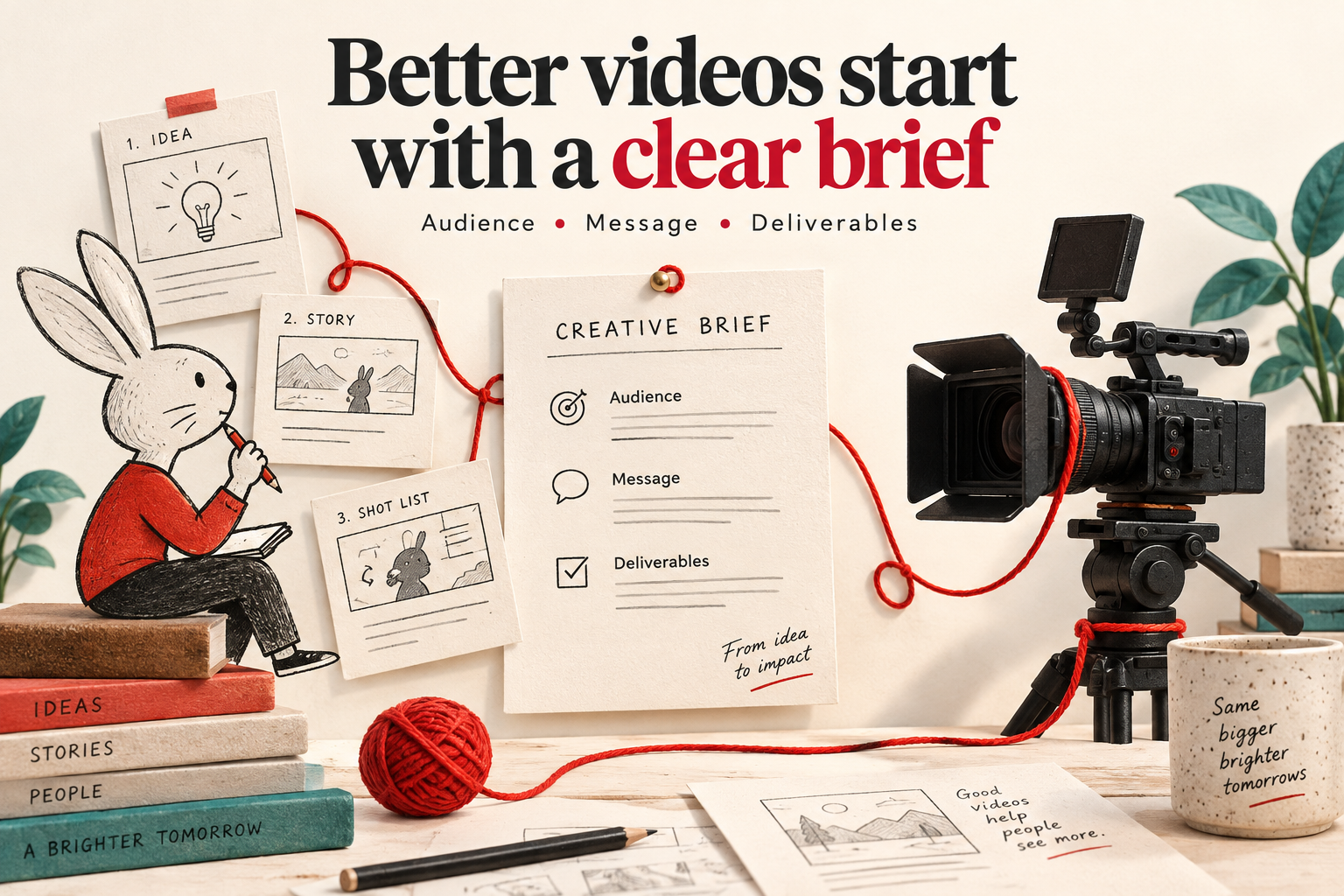
A useful video brief explains what the audience needs to understand, what you can show, and what the finished delivery must include. You do not need to arrive with a finished script. Start with clear decisions and flag the questions you still need help answering.
This checklist works for a 2D animated explainer, a filmed company story or a hybrid video combining footage and animation.
1. Name the audience and the next step
“Everyone” gives a production team little direction. Describe the person watching and what they already know. A first-time buyer may need the problem explained; an existing customer may need instructions for one feature.
Then choose one main next step: understand a process, try a feature, request information or register for an event. Supporting messages can stay in the brief, but mark the main message clearly.
Example: “Help new customers understand how to submit their first request, then direct them to the onboarding page.” This is a fictional planning example, not a client result.
2. Explain what must be shown
List the facts, actions and details the viewer must see. For animation, these might include a process diagram, a product interface or an illustrated character. For filming, they might include an interview, a demonstration or a particular location.
Separate available assets from assets still to be created. Note who will supply approved logos, product information, screen recordings and any existing footage. Identify material that needs permission or licensing; do not assume that a reference found online can be reused.
3. Describe what you like about references
Instead of sending a reference with “make it like this,” explain the useful part: the illustration style, pacing, lighting, voice or balance of text and pictures.
Use references to discuss direction, not to promise an identical result. A visual treatment that suits a short social advertisement may need adjusting for a detailed instructional video. If animation and filmed footage both seem suitable, ask the production team to explain the practical differences for your story.
4. List every deliverable
Write down the main video and its related versions separately. Include intended duration, publishing destination, screen shape, language and any cutdowns. Clarify whether a reel is a shortened edit of the main video or a new piece with its own message.
For example: one main explainer, two shorter edits, an English version and an Arabic version. These are separate delivery decisions; listing them early helps the team define the work without assuming every version is identical.
5. Plan access and accessibility early
For filming, list location access, likely shoot dates, available interviewees and practical restrictions. For animation, identify who can approve the script, storyboard and visual direction.
Include accessibility needs in the brief too. W3C recommends planning accessibility during production and specifying requirements in project documents. Discuss captions, transcripts and any needed description of important visual information at the start. Read W3C’s media planning guidance.
For more on this part of the process, see our caption-planning checklist.
6. Identify the decision-maker and deadline
Distinguish the date you need to publish from the date you need the final files. Name the person who combines feedback and confirms approvals. If different departments must review factual, brand or language details, list them.
Share your budget range and priorities privately with the production team. If something is undecided, label it “to confirm” instead of guessing. A useful brief makes uncertainty visible so it can be resolved before production.
A short brief you can copy
- Audience and existing knowledge
- One main message and next step
- Essential facts or scenes
- Available assets and permissions
- Preferred direction and why
- Main video and additional versions
- Languages and accessibility needs
- Access, reviewers and approval owner
- Publishing date and delivery deadline
- Budget range and open questions
Explore our 2D animation and video production services.
Ready to shape your brief? Book a Video Consultation.