
2D ANIMATION · PLANNING
Test Your Storyboard Timing Before 2D Animation
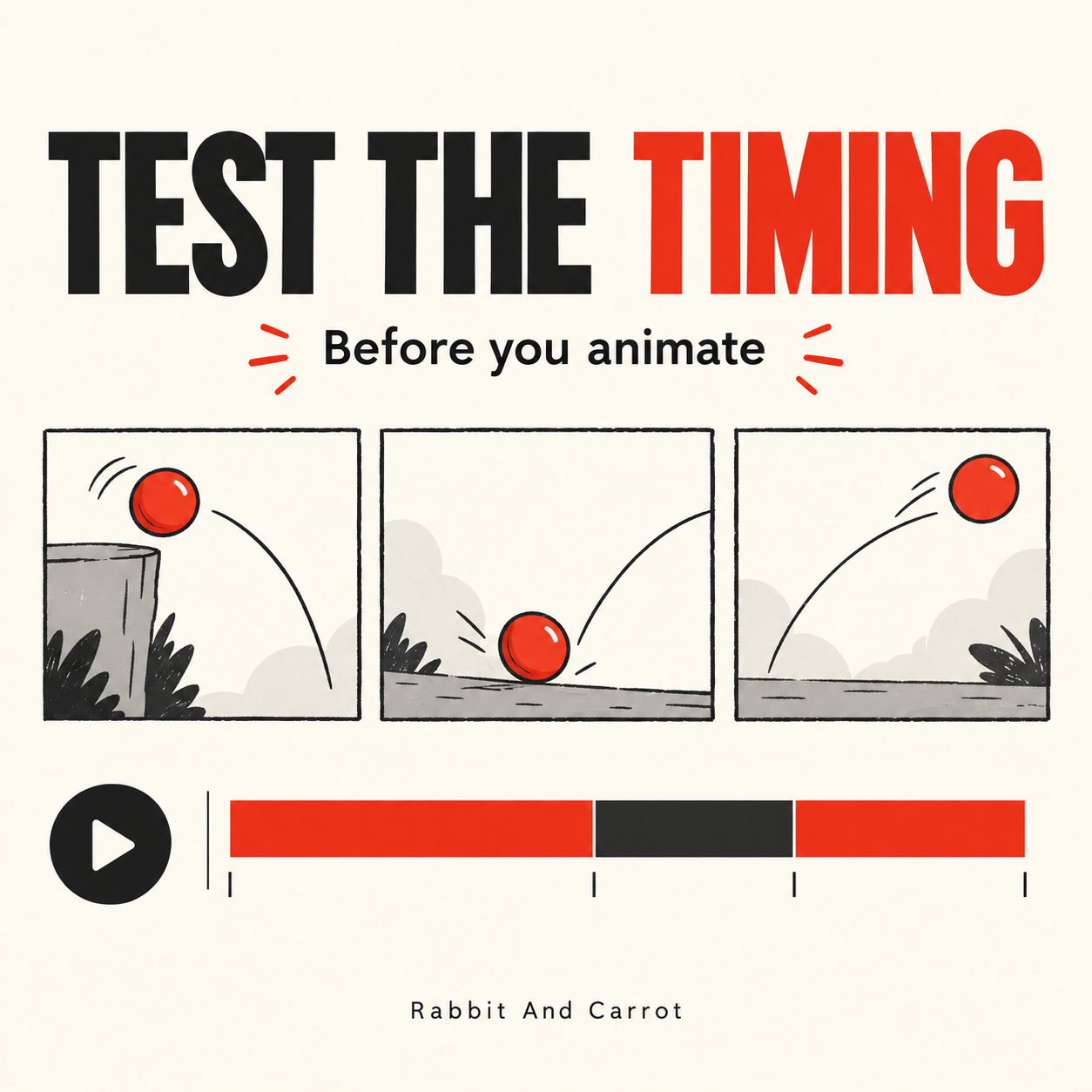
A storyboard can look clear as a PDF and still feel rushed when played as a film. Before detailed 2D animation begins, an animatic lets a team review the sequence in time: how long each idea stays on screen, when the narration arrives, and where the viewer needs a pause.
What is an animatic?
An animatic is a rough video assembled from storyboard frames. It may include temporary narration, music or simple movement. Its purpose is to test pacing and the order of information before the team commits to finished animation. Adobe’s introduction to animatics explains this distinction between a static storyboard and a timed sequence.
Review three separate decisions
- Story: Does each scene introduce, explain or resolve something?
- Timing: Can a viewer understand the image and read any essential text before the next scene?
- Direction: Are the intended transitions and camera movements clear enough to discuss?
Keep visual style approval separate. A rough frame can communicate a strong timing decision without representing the final illustration quality. Conversely, an attractive styleframe does not prove the whole film will flow well.
A practical review exercise
Try this with a short sequence from your own storyboard. These are review prompts, not fixed timing rules:
- Place the frames in their intended order and add a scratch narration track.
- Play the sequence without pausing. Mark the moment where you first feel lost, rushed or ready to move on.
- Watch again without audio. Check whether the main visual idea remains understandable.
- Review text at the size your audience will actually see, especially for mobile delivery.
- Adjust the frame durations or simplify the message, then replay the complete sequence.
For example, a product benefit shown through one clear visual may need a different duration from a screen carrying a comparison and two labels. Giving both scenes identical time because they occupy equal space in the PDF can hide that difference.
Give feedback the team can act on
“The middle feels slow” is a useful starting point, but a timestamp and a reason make it easier to revise. Try: “At 00:18, the benefit is already clear; can we reach the next example sooner?” Or: “At 00:27, I am still reading the heading when the scene changes.”
Collect the comments into one agreed list. Identify which points concern timing, which require a script change, and which belong to illustration review. This helps avoid contradictory instructions being treated as separate revision requests.
What should be agreed before animation?
- The sequence and intended message of each scene.
- The narration version used for timing, including any temporary sections.
- The target duration and required delivery formats.
- Any unresolved placeholders or decisions that could change the edit.
- The person responsible for consolidating approval.
An animatic is a planning tool, not a promise that no changes will arise later. Record what has been approved and discuss the impact of later changes before proceeding.
If the starting brief is still incomplete, use our video production brief checklist to gather the essentials first.
Plan your next 2D animation
Have a script or storyboard that needs a clearer production plan? Book a Video Consultation to discuss the message, visual approach and review stages.