Tag: Pre-production

  • Test Your Storyboard Timing Before 2D Animation

    Test Your Storyboard Timing Before 2D Animation

    2D ANIMATION · PLANNING

    Test Your Storyboard Timing Before 2D Animation
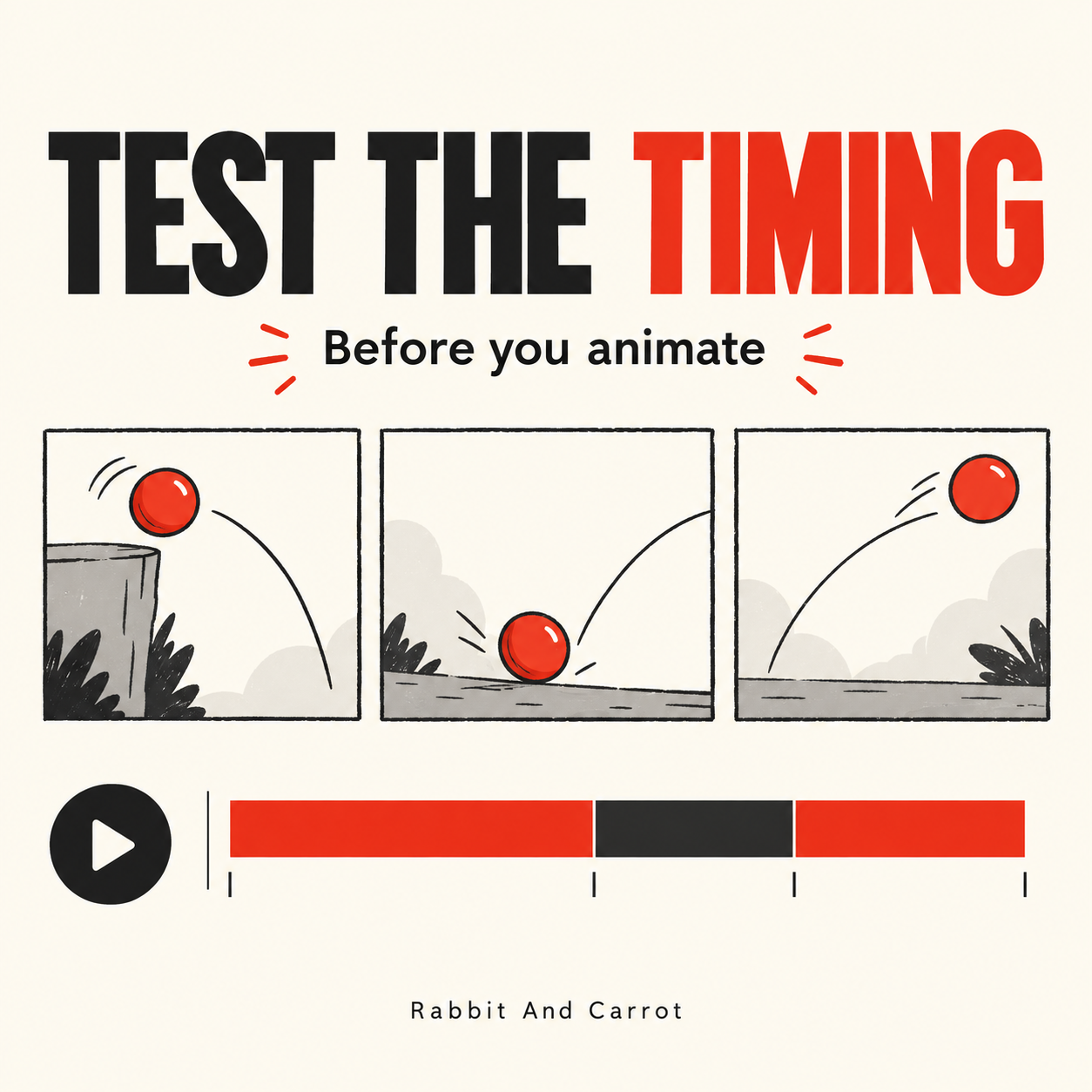
    Three storyboard panels of a red ball above a timing track, illustrating an animatic before animation.

    A storyboard can look clear as a PDF and still feel rushed when played as a film. Before detailed 2D animation begins, an animatic lets a team review the sequence in time: how long each idea stays on screen, when the narration arrives, and where the viewer needs a pause.

    What is an animatic?

    An animatic is a rough video assembled from storyboard frames. It may include temporary narration, music or simple movement. Its purpose is to test pacing and the order of information before the team commits to finished animation. Adobe’s introduction to animatics explains this distinction between a static storyboard and a timed sequence.

    Review three separate decisions

    • Story: Does each scene introduce, explain or resolve something?
    • Timing: Can a viewer understand the image and read any essential text before the next scene?
    • Direction: Are the intended transitions and camera movements clear enough to discuss?

    Keep visual style approval separate. A rough frame can communicate a strong timing decision without representing the final illustration quality. Conversely, an attractive styleframe does not prove the whole film will flow well.

    A practical review exercise

    Try this with a short sequence from your own storyboard. These are review prompts, not fixed timing rules:

    1. Place the frames in their intended order and add a scratch narration track.
    2. Play the sequence without pausing. Mark the moment where you first feel lost, rushed or ready to move on.
    3. Watch again without audio. Check whether the main visual idea remains understandable.
    4. Review text at the size your audience will actually see, especially for mobile delivery.
    5. Adjust the frame durations or simplify the message, then replay the complete sequence.

    For example, a product benefit shown through one clear visual may need a different duration from a screen carrying a comparison and two labels. Giving both scenes identical time because they occupy equal space in the PDF can hide that difference.

    Give feedback the team can act on

    “The middle feels slow” is a useful starting point, but a timestamp and a reason make it easier to revise. Try: “At 00:18, the benefit is already clear; can we reach the next example sooner?” Or: “At 00:27, I am still reading the heading when the scene changes.”

    Collect the comments into one agreed list. Identify which points concern timing, which require a script change, and which belong to illustration review. This helps avoid contradictory instructions being treated as separate revision requests.

    What should be agreed before animation?

    • The sequence and intended message of each scene.
    • The narration version used for timing, including any temporary sections.
    • The target duration and required delivery formats.
    • Any unresolved placeholders or decisions that could change the edit.
    • The person responsible for consolidating approval.

    An animatic is a planning tool, not a promise that no changes will arise later. Record what has been approved and discuss the impact of later changes before proceeding.

    If the starting brief is still incomplete, use our video production brief checklist to gather the essentials first.

    Plan your next 2D animation

    Have a script or storyboard that needs a clearer production plan? Book a Video Consultation to discuss the message, visual approach and review stages.
  • How to Write a Video Brief Your Production Team Can Use

    How to Write a Video Brief Your Production Team Can Use

    RABBIT AND CARROT VIDEO PRODUCTION · INSIGHTS

    How to Write a Video Brief Your Production Team Can Use

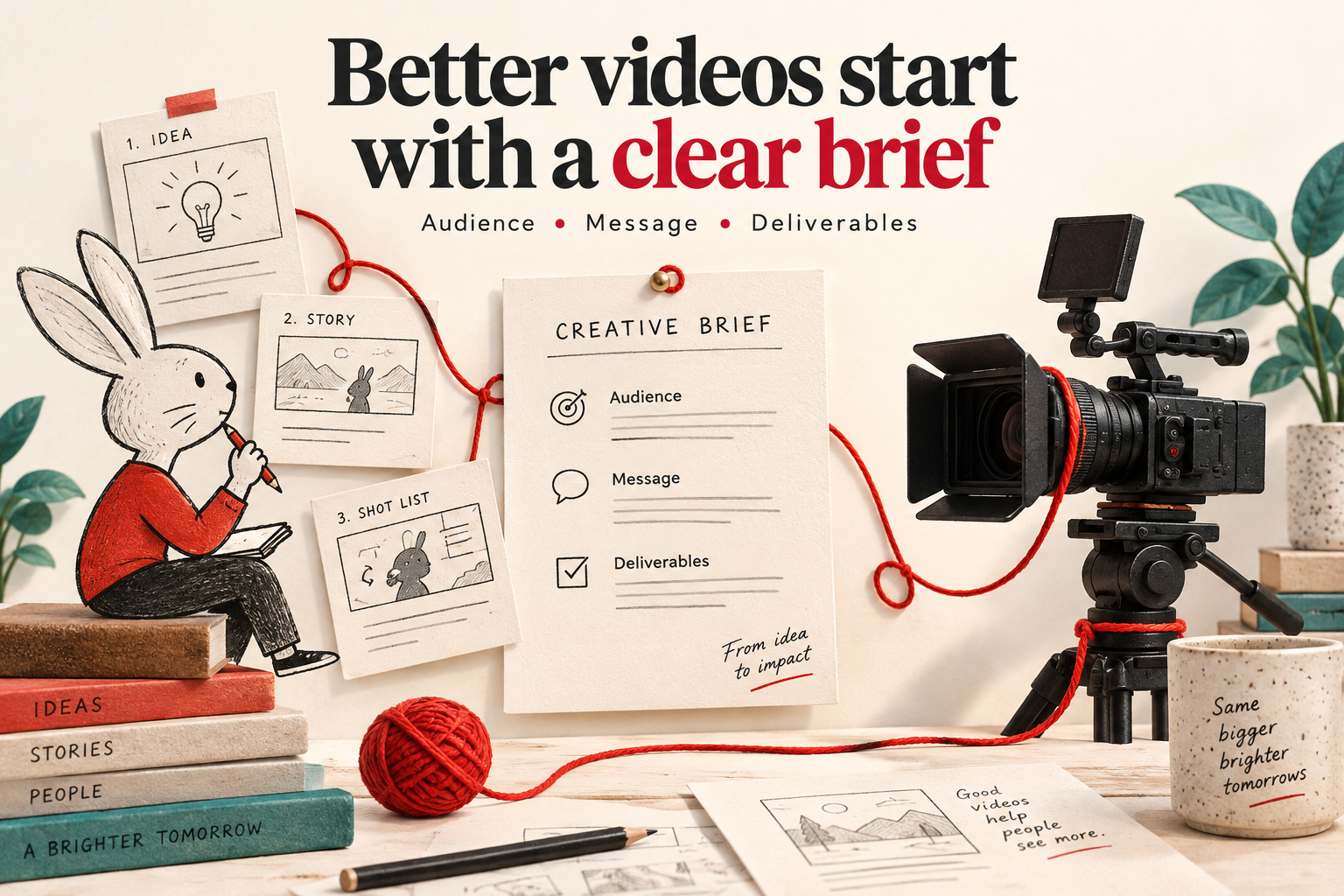
    A camera, illustrated rabbit and storyboard cards connect to a creative brief beneath the words Better videos start with a clear brief.

    A useful video brief explains what the audience needs to understand, what you can show, and what the finished delivery must include. You do not need to arrive with a finished script. Start with clear decisions and flag the questions you still need help answering.

    This checklist works for a 2D animated explainer, a filmed company story or a hybrid video combining footage and animation.

    1. Name the audience and the next step

    “Everyone” gives a production team little direction. Describe the person watching and what they already know. A first-time buyer may need the problem explained; an existing customer may need instructions for one feature.

    Then choose one main next step: understand a process, try a feature, request information or register for an event. Supporting messages can stay in the brief, but mark the main message clearly.

    Example: “Help new customers understand how to submit their first request, then direct them to the onboarding page.” This is a fictional planning example, not a client result.

    2. Explain what must be shown

    List the facts, actions and details the viewer must see. For animation, these might include a process diagram, a product interface or an illustrated character. For filming, they might include an interview, a demonstration or a particular location.

    Separate available assets from assets still to be created. Note who will supply approved logos, product information, screen recordings and any existing footage. Identify material that needs permission or licensing; do not assume that a reference found online can be reused.

    3. Describe what you like about references

    Instead of sending a reference with “make it like this,” explain the useful part: the illustration style, pacing, lighting, voice or balance of text and pictures.

    Use references to discuss direction, not to promise an identical result. A visual treatment that suits a short social advertisement may need adjusting for a detailed instructional video. If animation and filmed footage both seem suitable, ask the production team to explain the practical differences for your story.

    4. List every deliverable

    Write down the main video and its related versions separately. Include intended duration, publishing destination, screen shape, language and any cutdowns. Clarify whether a reel is a shortened edit of the main video or a new piece with its own message.

    For example: one main explainer, two shorter edits, an English version and an Arabic version. These are separate delivery decisions; listing them early helps the team define the work without assuming every version is identical.

    5. Plan access and accessibility early

    For filming, list location access, likely shoot dates, available interviewees and practical restrictions. For animation, identify who can approve the script, storyboard and visual direction.

    Include accessibility needs in the brief too. W3C recommends planning accessibility during production and specifying requirements in project documents. Discuss captions, transcripts and any needed description of important visual information at the start. Read W3C’s media planning guidance.

    For more on this part of the process, see our caption-planning checklist.

    6. Identify the decision-maker and deadline

    Distinguish the date you need to publish from the date you need the final files. Name the person who combines feedback and confirms approvals. If different departments must review factual, brand or language details, list them.

    Share your budget range and priorities privately with the production team. If something is undecided, label it “to confirm” instead of guessing. A useful brief makes uncertainty visible so it can be resolved before production.

    A short brief you can copy

    • Audience and existing knowledge
    • One main message and next step
    • Essential facts or scenes
    • Available assets and permissions
    • Preferred direction and why
    • Main video and additional versions
    • Languages and accessibility needs
    • Access, reviewers and approval owner
    • Publishing date and delivery deadline
    • Budget range and open questions

    Explore our 2D animation and video production services.

    Ready to shape your brief? Book a Video Consultation.